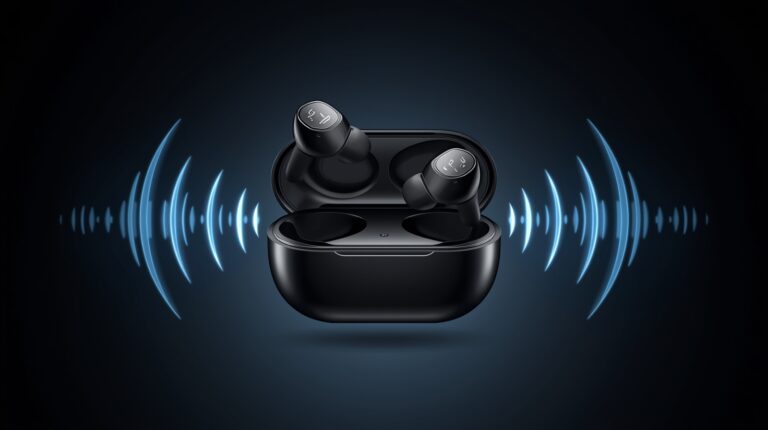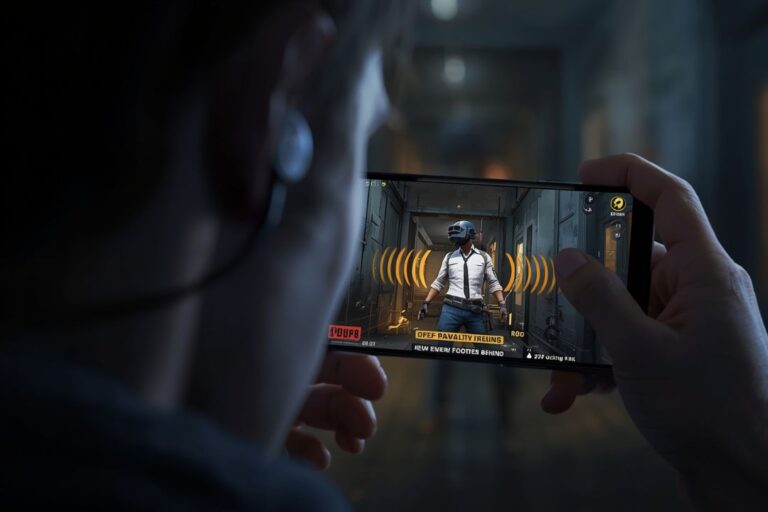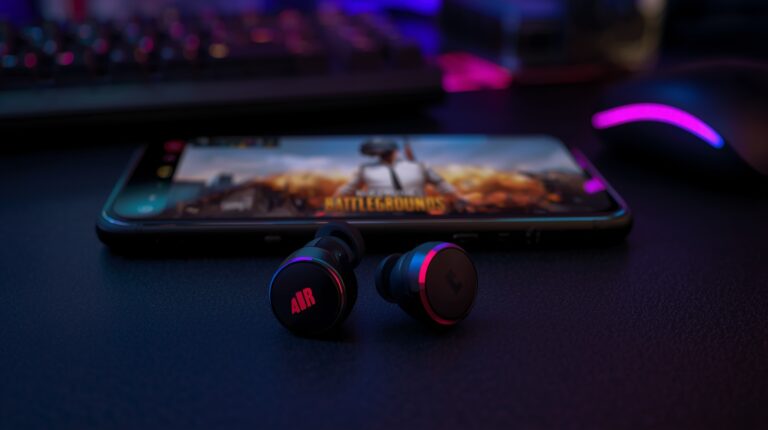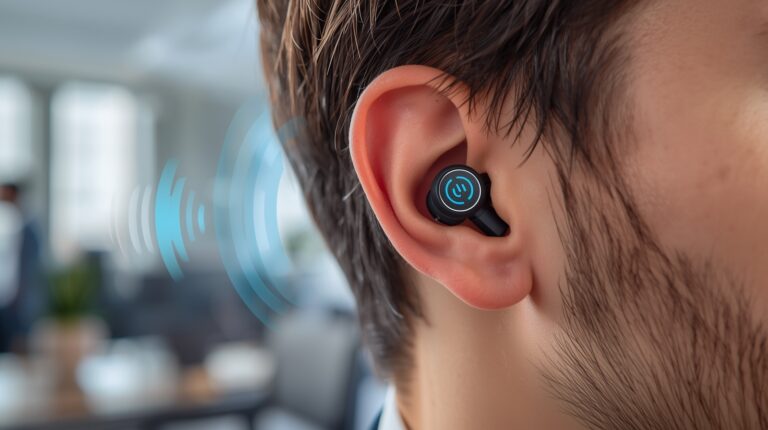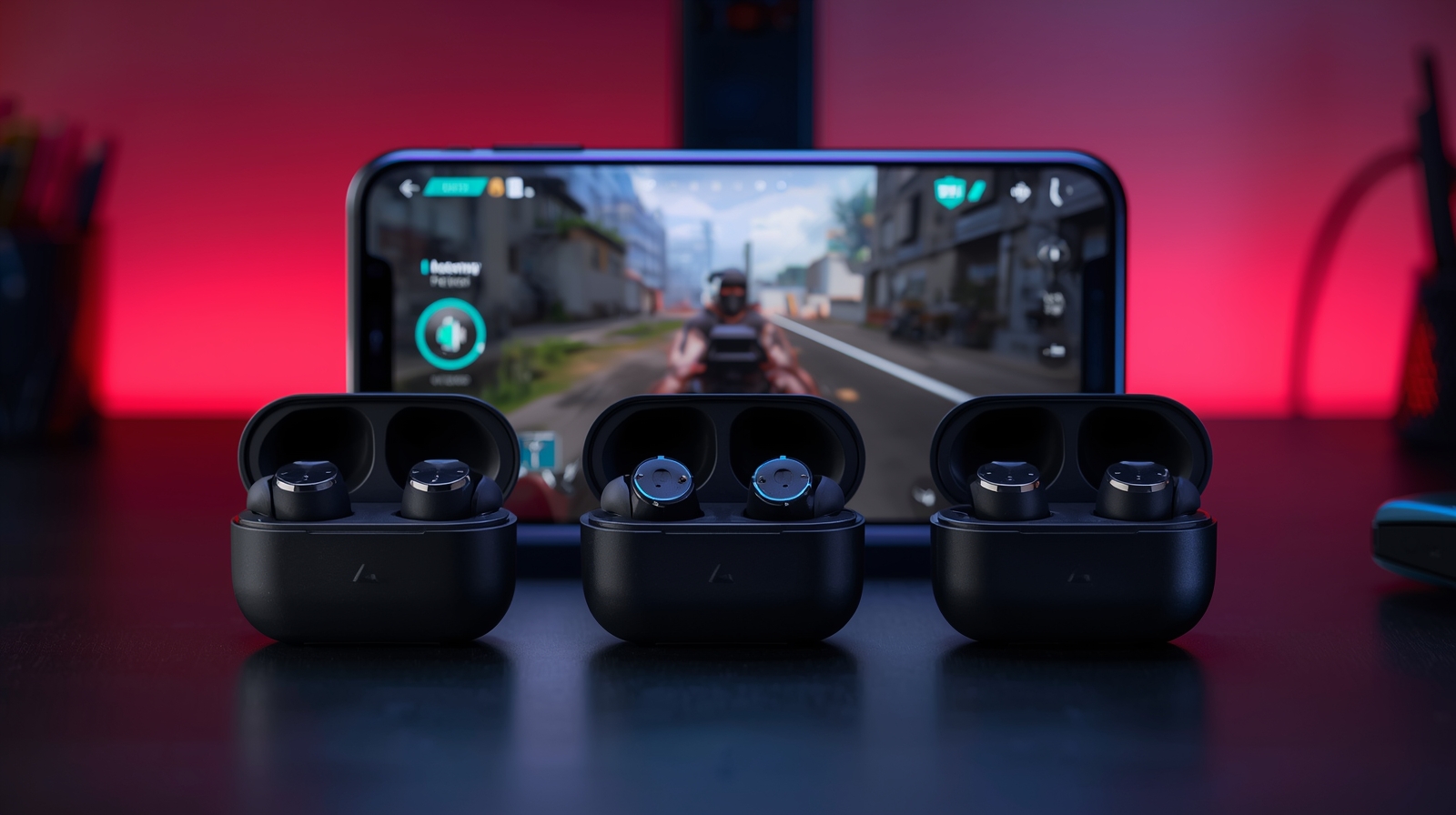
In case you have played any games on PC, Mobile, console, you will see that determining the use of sound is crucial, even with just a slight difference in time from when the screen shows something to when your ears hear it, is enough to ruin your entire gaming experience. Therefore, handheld devices & console users frequently ask this question, Which Earbuds Have the Lowest Latency for Gaming?
In this thorough article, we will help explain all the parts of low latency, giving you an understanding of what low latency is, which wireless earbuds work better for gaming than others, if 40 ms latency is acceptable, and which features to consider when buying gaming earbuds with a mic. By the end of this article, you will know exactly what you are looking for before you spend your hard-earned money.
What Is Latency in Gaming Audio?
Latency refers to the duration between an action taken by an individual and the audible response of that action.
Examples:
- You shoot in a game 🎮
- You hear the gunshot 🔫 a moment later
That delay is latency.
In gaming, even a small delay can:
- Affect reaction time
- Make footsteps hard to track
- Cause audio to feel out of sync with visuals
This is especially noticeable in:
- First-person shooters (PUBG, Call of Duty, Valorant)
- Battle Royale Games
- Competitive multiplayer games
Why Low Latency Earbuds Matter for Gamers
Most gamers believe that all earbuds sound great, but most non-gamers do not understand that audio latency is an important consideration for gamers. Low latency earbuds give you:
- Faster reaction time
- Better positional audio
- More immersive gameplay
- Less frustration in competitive matches
For those who play games for fun, latency shouldn’t cause any trouble; however, if they are serious about gaming, it would be advisable for them to have very low latency in order to maximize their performance..
What Is Considered Low Latency for Gaming?
Latency is expressed in milliseconds (ms).
To better understand latency levels, here is a brief overview.
- 0–20 ms → Excellent (almost instant)
- 20–40 ms → Very good (ideal for gaming)
- 40–60 ms → Acceptable (casual gaming)
- 60 ms+ → Noticeable delay (not recommended)
Is 40 ms Low Latency Good for Gaming?
Overall, 40ms of latency is an acceptable amount of latency when playing video games; even though, at this latency, most players will not notice any delays while using earbuds for mobile gaming or casual PC gaming.
For gamers who play competitively, it is recommended that they buy an earbud with a latency under 30ms to obtain the best possible experience while playing games.
Wireless Earbuds vs Wired Earphones for Gaming
Technological advances in wireless have occurred over time.
Wired Earphones
Pros
- Almost zero latency
- Stable connection
- No battery issues
Cons
- Cable management
- Less comfortable for long sessions
Wireless Gaming Earbuds
Pros
- Freedom of movement
- Portable
- Modern low-latency modes
Cons
- Battery dependency
- Codec and Chipset Impact on Gameplay Performance
Currently, the majority of wireless headphones that include gaming mode are capable of amazing performance, making them excellent options for the majority of gamers
Which Is the Best Low Latency for Gaming?
The best low latency earbuds usually include:
- Dedicated Gaming Mode
- Modern Versions of Bluetooth 5.2 or Higher
- Low-Latency Codecs
Gaming ear buds that are considered to be the best will provide a latency of about 20 to 30ms, allowing for an optimal experience for competitive gaming players
Important Features to Look For:
- Low Latency or Gaming Mode.
- Fast Bluetooth chipset
- Stable connection
- Good driver quality
Best Gaming Earbuds Wireless (Low Latency Picks)
The following is a list of quality Wireless Gaming Earbuds that have excellent Gaming performance as well as exceptionally low latency. This list is composed of earbud models that have received favorable feedback from users during actual usage as well as those that have built their reputations based on performance.
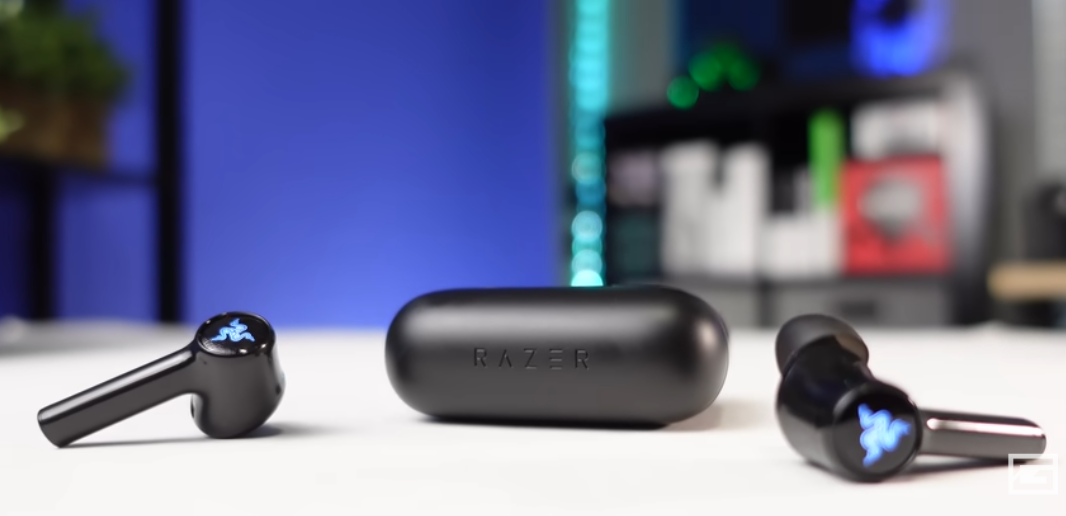
1️⃣ Razer Hammerhead True Wireless (Gaming Edition)
Latency: Gaming Mode sets latency around 60ms; this means there is an average of between 30 to 60ms of latency, depending on the Game Mode that the user has selected for use.
Best for: Ideal for both Mobile and PC Gamers
Why gamers like it
- Dedicated Gaming Mode
- Strong bass and clear highs
- Good microphone for voice chat
Downside
- Average battery life
- Not ideal for audiophiles
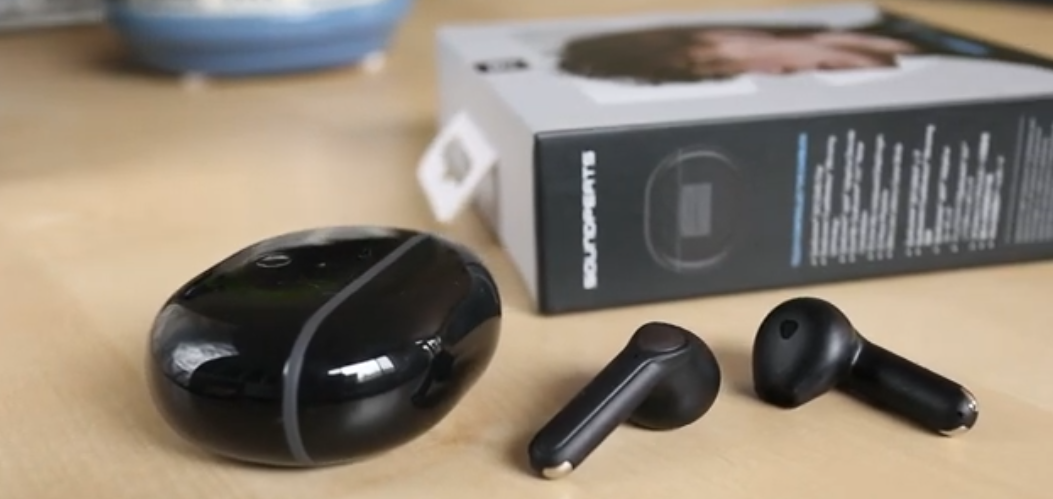
2️⃣ SoundPEATS Air3 Deluxe HS
Latency: Approximately 30–40 ms.
Best for: Budget-minded gamers.
Why it stands out
- Very low latency for the price
- Lightweight and comfortable
- Stable Bluetooth connection
Downside
- No ANC
- Simple design
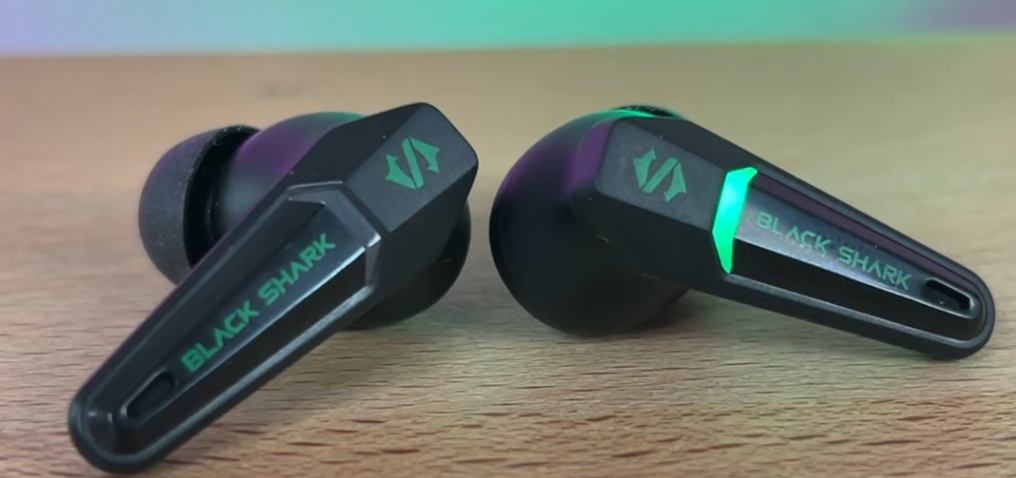
3️⃣ Black Shark Lucifer T2 / T4
Latency: ~35 ms
Best for: Mobile FPS gamers
Why gamers choose it
- Ultra-low latency gaming mode
- RGB gaming design
- Strong bass response
Downside
- Gaming-style design not for everyone
- Average mic quality indoors only
4️⃣ 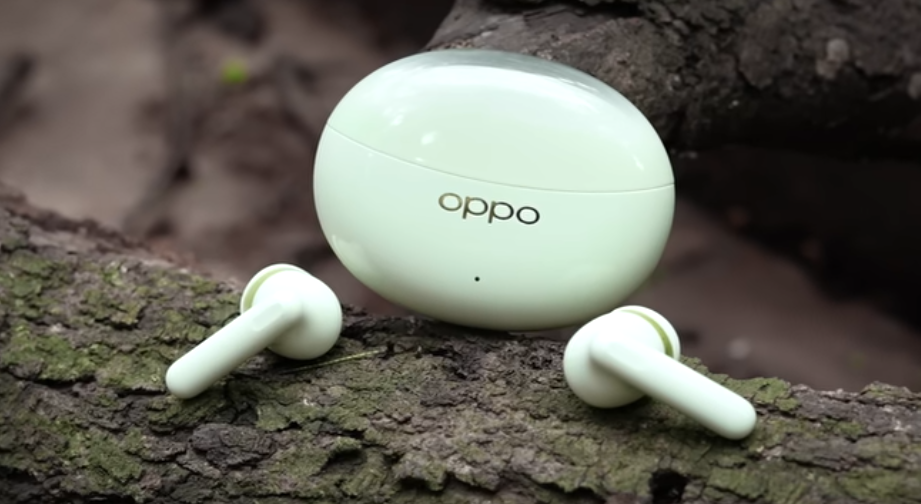
Latency: ~47 ms
Best for: Casual to semi-competitive gaming
Why it’s good
- Clear sound tuning
- Comfortable for long sessions
- Good microphone quality
Downside
- Gaming mode must be enabled manually
- Not designed specifically for gaming
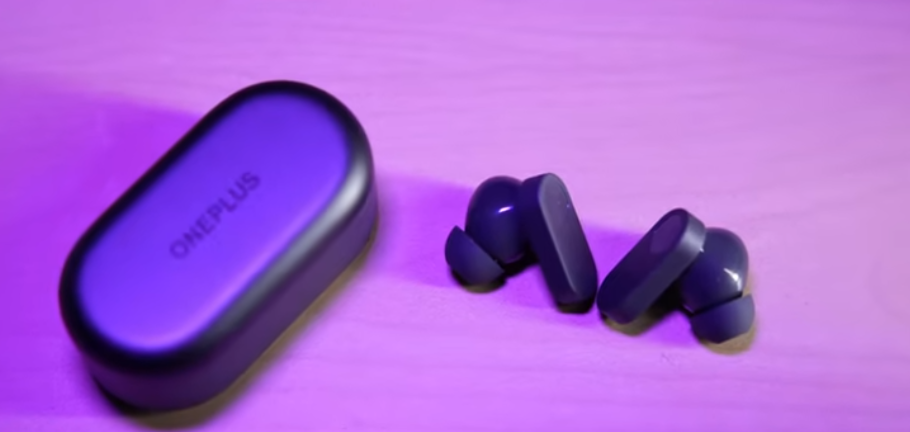
5️⃣OnePlus Buds Pro / Buds 2
Latency: ~40 ms (with OnePlus phones)
Best for: OnePlus users
Why they perform well
- Low latency with supported phones
- Balanced audio
- Premium build quality
Downside
- Best performance limited to OnePlus devices
- Expensive compared to gaming-focused earbuds
What Earbuds Are Best for Gaming Overall?
The best gaming earbuds depend on your device and gaming style.
Best for Mobile Gaming
- Black Shark Lucifer series
- SoundPEATS gaming earbuds
- Razer Hammerhead
Best for PC Gaming
- Earbuds with USB dongle support
- Bluetooth 5.3 earbuds with gaming mode
Best for Casual Gaming
- OPPO Enco
- OnePlus Buds
- Realme Buds Air Gaming Mode
Best Gaming Earbuds with Mic
A good microphone is important for:
- Team communication
- Voice chat
- Streaming
What Makes a Good Gaming Mic?
- Noise reduction
- Clear voice pickup
- Low compression
Top Picks with Good Mic
- Razer Hammerhead
- OnePlus Buds Pro
- OPPO Enco series
If you play competitive games, always test mic quality before important matches.
Bluetooth Codecs and Latency (Simple Explanation)
Many people ignore codecs, but they matter.
Common Codecs:
- SBC – High latency (avoid for gaming)
- AAC – Better, still not ideal
- aptX / aptX Adaptive – Lower latency
- LC3 (Bluetooth LE Audio) – Future standard
Gaming earbuds often use custom low-latency tuning instead of standard codecs.
Tips to Reduce Latency While Gaming
Even good earbuds can perform poorly if not set up properly.
Follow these tips:
- Enable gaming or low-latency mode
- Keep earbuds firmware updated
- Use latest Bluetooth version
- Close background apps
- Avoid crowded wireless environments
These small steps can make a noticeable difference.
Are Gaming Earbuds Better Than Gaming Headphones?
It depends on your needs.
Gaming Earbuds
- Portable
- Lightweight
- Good for mobile gaming
Gaming Headphones
- Better soundstage
- Stronger bass
- More immersive for PC/console gaming
Many gamers actually use both, depending on the situation.
Common Mistakes When Buying Gaming Earbuds
Avoid these mistakes:
- Choosing earbuds without gaming mode
- Ignoring latency specifications
- Buying based on looks only
- Assuming expensive means better
Always check real latency performance, not just marketing claims.
Conclusion – Low Latency Earbuds For Gaming
In order to ensure the fastest possible response time when playing games with earbuds, you should choose a pair of earbuds with:
- A dedicated gaming mode.
- Latency of less than 40 milliseconds.
- A solid, reliable Bluetooth connection
Quick Recommendations:
- The best low-latency option overall: SoundPEATS/Black Shark Gaming Earbuds
- Premium choice: Razer Hammerhead
- Best option for OnePlus Users: OnePlus Buds Series.
For most gamers, there will be very little noticeable difference between playing games through an earbud with 30-40ms of latency and one with no latency (which isn’t realistic).
Get More Info:
Earbuds vs Headphones Difference: Which One Should You Really Choose?
FAQs:
❓ Which earbuds have the lowest latency?
Earbuds with a dedicated gaming or low-latency mode, such as SoundPEATS Air3 Deluxe HS, Black Shark Lucifer series, and Razer Hammerhead, offer the lowest latency for gaming.
❓ What is the lowest latency for gaming?
The lowest latency for gaming is around 20–30 ms. Anything below 40 ms is considered excellent for smooth gameplay.
❓ What earbuds are good for gaming?
Gaming earbuds with low-latency mode, stable Bluetooth, and clear sound—like Black Shark Lucifer, Razer Hammerhead, and SoundPEATS—are good for gaming.
❓ Does Bluetooth 5.3 reduce latency?
Yes, Bluetooth 5.3 helps reduce latency and improve stability, but a dedicated gaming mode is more important for real low-latency performance