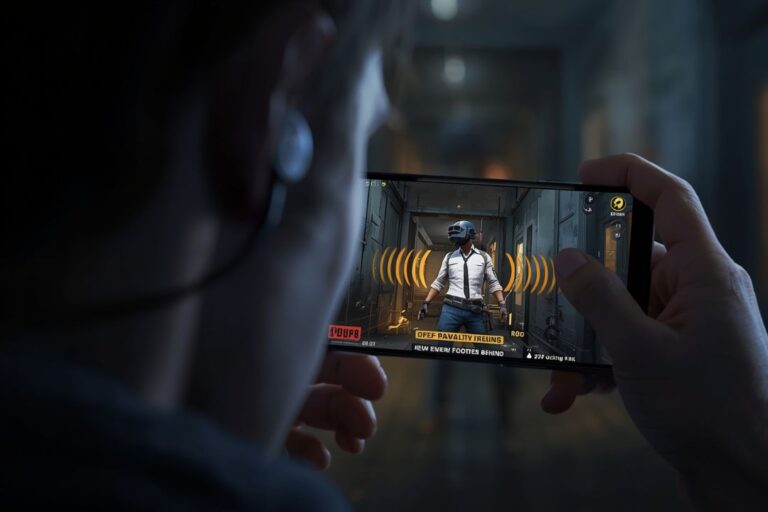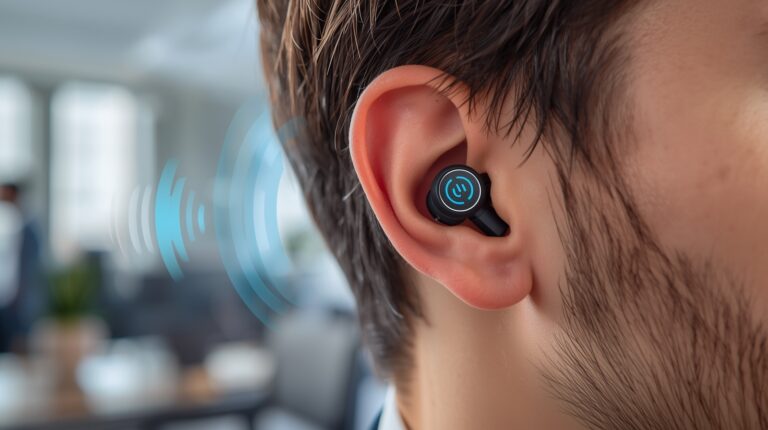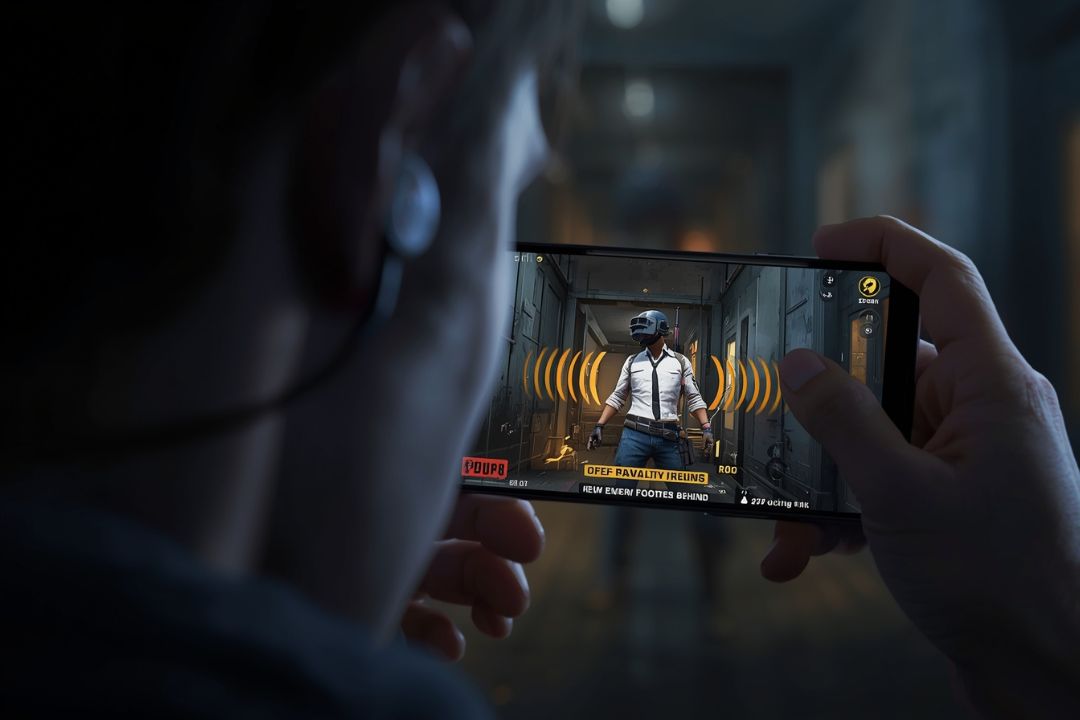
PUBG Mobile footsteps sound problem is something I’ve personally seen happen many times while playing. You’re in a close fight, you’re waiting for enemy movement, and suddenly you realize the footsteps are either too low or coming late. Sometimes you hear them after the enemy is already in front of you. Other times, the sound direction feels completely wrong. Because of this PUBG Mobile footsteps sound problem, even good players lose easy fights.
Most players think this is just a game bug, but that’s not always true. In real use, this PUBG Mobile footsteps sound problem usually comes from small issues like audio settings, Bluetooth delay, earbuds or headphone problems, or changes after a game update. Even your phone’s sound system can mess things up. It doesn’t matter if your earbuds are new or old, or if your phone is expensive or budget — this issue can happen to anyone.
In this article, I’ll talk about the most common reasons behind the PUBG Mobile footsteps sound problem that players face every day. Each section focuses on only one issue and its simple fix. No technical talk, no confusing steps. Just easy things you can try at home to hear footsteps more clearly and play better.
In this article, we’ll talk about PUBG Mobile footsteps sound problem one by one. Every point shows the problem and a quick fix, so you can stop guessing and start hearing footsteps clearly.
Table Of Content:
- Wrong Audio Settings
- After Game Update
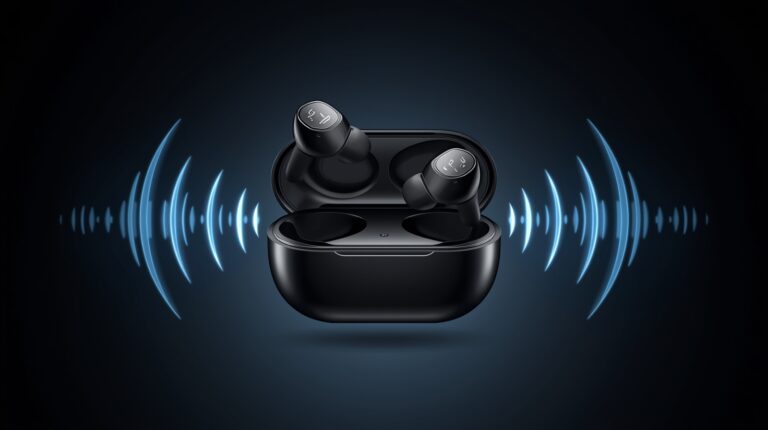
- On Earbuds and Headphones
- Low Volume or Balance Issue
- Bluetooth Delay
- Playing on Low-End Devices
- In-Game Sound Effects Bug
- Left and Right Sound Not Clear
- Classic Mode vs TDM Mode
- While Using Game Turbo or Gaming Mode
- Phone Sound Enhancer Apps
- Android vs iPhone Devices
- Best Audio Settings for Clear Footsteps
- Final Fixes That Actually Work
1. PUBG Mobile Footsteps Sound Problem Due to Wrong Audio Settings
Most of the time, footsteps are hard to hear just because the audio settings are off. Players often have music or voice chat too loud and Effects volume too low. This makes footsteps nearly disappear. The fix is easy — go to audio settings, turn up Effects volume, and make sure your output matches your device (headphones or phone speaker). You can also lower music or voice chat a bit so footsteps are louder. Once you do this, you’ll hear enemies moving around better and react faster in fights. Small change, big difference.
2. PUBG Mobile Footsteps Sound Problem After Game Update
After updating PUBG, footsteps can sometimes sound delayed or weird. Updates reset settings or can introduce small bugs in sound. Check Effects volume, restart the game, and test before jumping into a match. Spending a minute on this avoids surprise attacks and keeps your gameplay smooth.
3. PUBG Mobile Footsteps Sound Problem on Earbuds and Headphones
Cheap earbuds or low-quality headphones can flatten sound, while Bluetooth can have tiny delay. If footsteps feel off, try wired headphones or make sure Bluetooth is connected properly and fully charged. Check left-right balance too — wrong direction can confuse you. After this, footsteps sound natural, directional, and easier to notice.
4. PUBG Mobile Footsteps Sound Problem Caused by Low Volume or Balance Issue
Even if settings are correct, low phone volume or wrong balance can make footsteps almost silent. Turn phone volume up, check left-right balance, and increase Effects volume in-game. This small adjustment helps you hear footsteps from the sides or behind, which is critical in close fights.
5. PUBG Mobile Footsteps Sound Problem Because of Bluetooth Delay
Bluetooth earbuds can create slight delay, making footsteps feel late. Reconnect them, charge fully, or switch to wired headphones. Footsteps sync better with enemy movements and you can react faster.
6. PUBG Mobile Footsteps Sound Problem When Playing on Low-End Devices
Old or low-end phones can struggle with PUBG, which causes delayed or muffled footsteps. Close background apps, lower graphics, and keep your phone cool. These steps help game run smoother and footsteps become clear again.
7. PUBG Mobile Footsteps Sound Problem Due to In-Game Sound Effects Bug
Sometimes, the game itself has bugs. Even with perfect settings, footsteps might cut out or delay. Restart the game, reset audio settings, and make sure you’re updated. Most of the time, this solves the problem instantly.
8. PUBG Mobile Footsteps Sound Problem Left and Right Sound Not Clear
Footsteps coming from the wrong side? It’s usually balance or headphone issue. Adjust left-right balance, try another set of headphones, and make Effects volume high. Footsteps become directional and natural, which helps you track enemies correctly.
9. PUBG Mobile Footsteps Sound Problem in Classic Mode vs TDM Mode
Footsteps behave differently in different game modes. Classic mode may make distant footsteps quieter, while TDM can make them louder. Adjust Effects volume and test headphones for each mode. After that, footsteps sound clear no matter the mode.
10. PUBG Mobile Footsteps Sound Problem While Using Game Turbo or Gaming Mode
Game Turbo or Gaming Mode can tweak audio for performance, causing slight delay. Turn off extra audio enhancements or adjust in-game audio. Footsteps will sound normal again.
11. PUBG Mobile Footsteps Sound Problem Caused by Phone Sound Enhancer Apps
Sound enhancer apps or equalizers may make footsteps quieter, delayed, or weird. Disable these apps while playing PUBG. Footsteps will sound natural and easier to notice.
12. PUBG Mobile Footsteps Sound Problem on Android vs iPhone Devices
Footsteps sound slightly different on Android and iPhone due to hardware. Android may lag with Bluetooth, iPhone may lower volume for battery. Check audio settings, test headphones, adjust Effects volume. Knowing your device helps avoid issues.
13. PUBG Mobile Footsteps Sound Problem: Best Audio Settings for Clear Footsteps
Raise Effects volume, lower music or chat if needed, balance left-right properly, and use wired headphones if possible. Footsteps become loud, clear, and directional. Spot enemies earlier and react faster.
14. PUBG Mobile Footsteps Sound Problem: Final Fixes That Actually Work
Final fixes: restart game, reconnect headphones, check updates, adjust audio settings, close background apps. Usually solves all footsteps problems. Footsteps become clear, directional, and you react faster in every fight.
Quick Links:
Lets Check Anouther Related To Fix This Issues
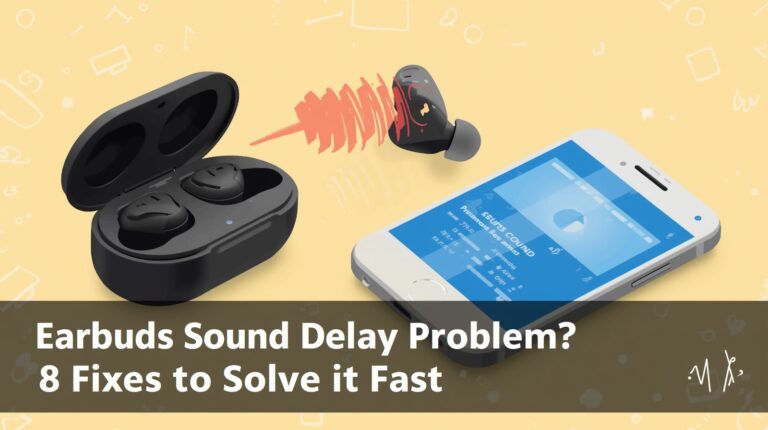
Earbuds Sound Delay Problem? 8 Fixes to Solve It Fast
FAQs:
How to fix audio problems in PUBG Mobile?
Sometimes the sound messes up. I just plug my headphones back in and turn up Effects. Works most of the time.
How to boost footstep sound in PUBG?
Turn up Effects volume a bit and lower music or chat. You’ll hear footsteps much easier.
How to set equalizer for footsteps?
Push the mids and highs a little, keep bass low. Footsteps come out clear.
What is the frequency of footstep sound in PUBG?
Footsteps are mostly in the mids and highs, around 2–10 kHz. That’s where you want to boost them.
Conclusion
So that’s it! These are all the main fixes for the PUBG Mobile footsteps sound problem. I’ve shared every common reason and easy way to fix it — from audio settings, headphones, Bluetooth delay, to game bugs and phone issues. If you follow these tips step by step, I promise your footsteps will sound much clearer, and you’ll notice enemies faster in every match.
Now I want to hear from you — which fix worked for you the most? Or do you have any other tips that help with footsteps sound in PUBG? Drop a comment below and share your experience!
And don’t forget to follow for more easy PUBG tips, tricks, and guides that actually work. I post content like this all the time to help players get better and enjoy the game more.