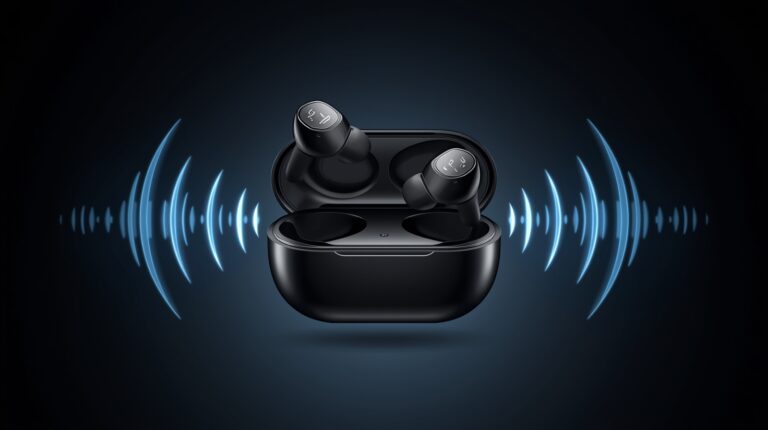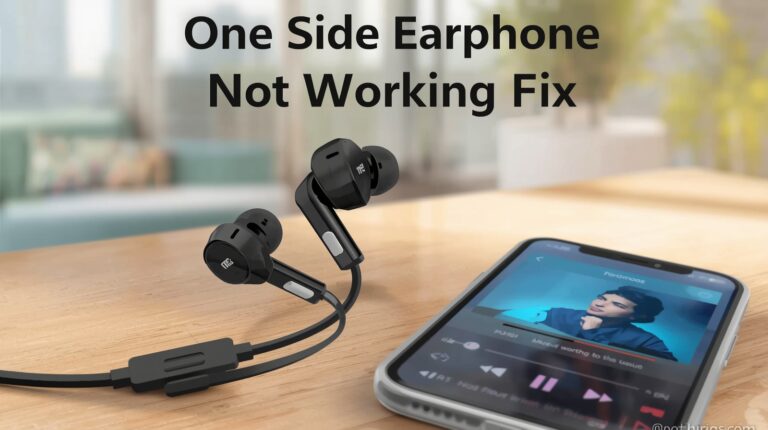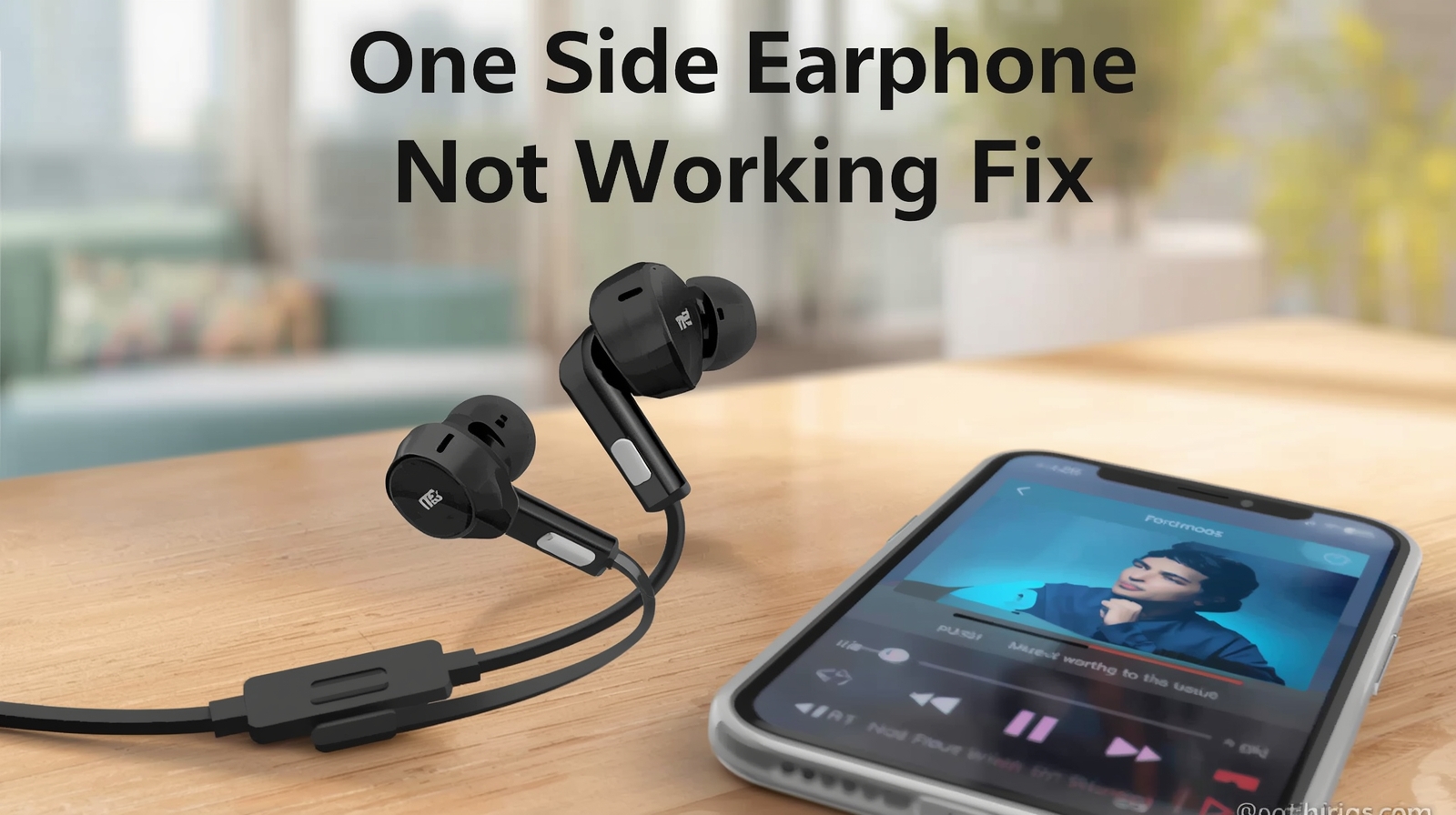
If your earphones or earbuds are working on one side and completely silent on the other, you’re not alone. This one side earphone not working Fix issue is very common in both wired earphones and wireless earbuds.
The good news is that in most cases, the earphones themselves are not faulty. Usually, a small setting, dust buildup, or a connection problem is the real reason — and you can fix it at home without spending money.
In this guide, I’ll show you easy and practical one side earphone not working fixes that actually work in real life, explained in simple language with no technical jargon.
Table of Contents
| Section | Sub-Section |
|---|---|
| 1. Check Device vs Earphone | 1.1 Quick Diagnosis |
| 2. Clean Earphone Jack or Earbud Grill | 2.1 Cleaning Steps |
| 3. Check Wired Earphone Cable | 3.1 Cable Test |
| 4. Adjust Audio Balance Settings | 4.1 Android & iPhone Settings |
| 5. Re-Pair Bluetooth Earbuds | 5.1 Re-Pair Steps |
| 6. Check Earbud Battery | – |
| 7. Disable Mono Audio | – |
| 8. Restart Apps or Device | – |
| 9. Factory Reset Wireless Earbuds | – |
| 10. When to Replace Earphones | – |
| 11. Preventive Tips | – |
| 12. FAQs | – |
| 13. Conclusion | – |
One Side Earphone Not Working Fix – Check Device vs Earphone
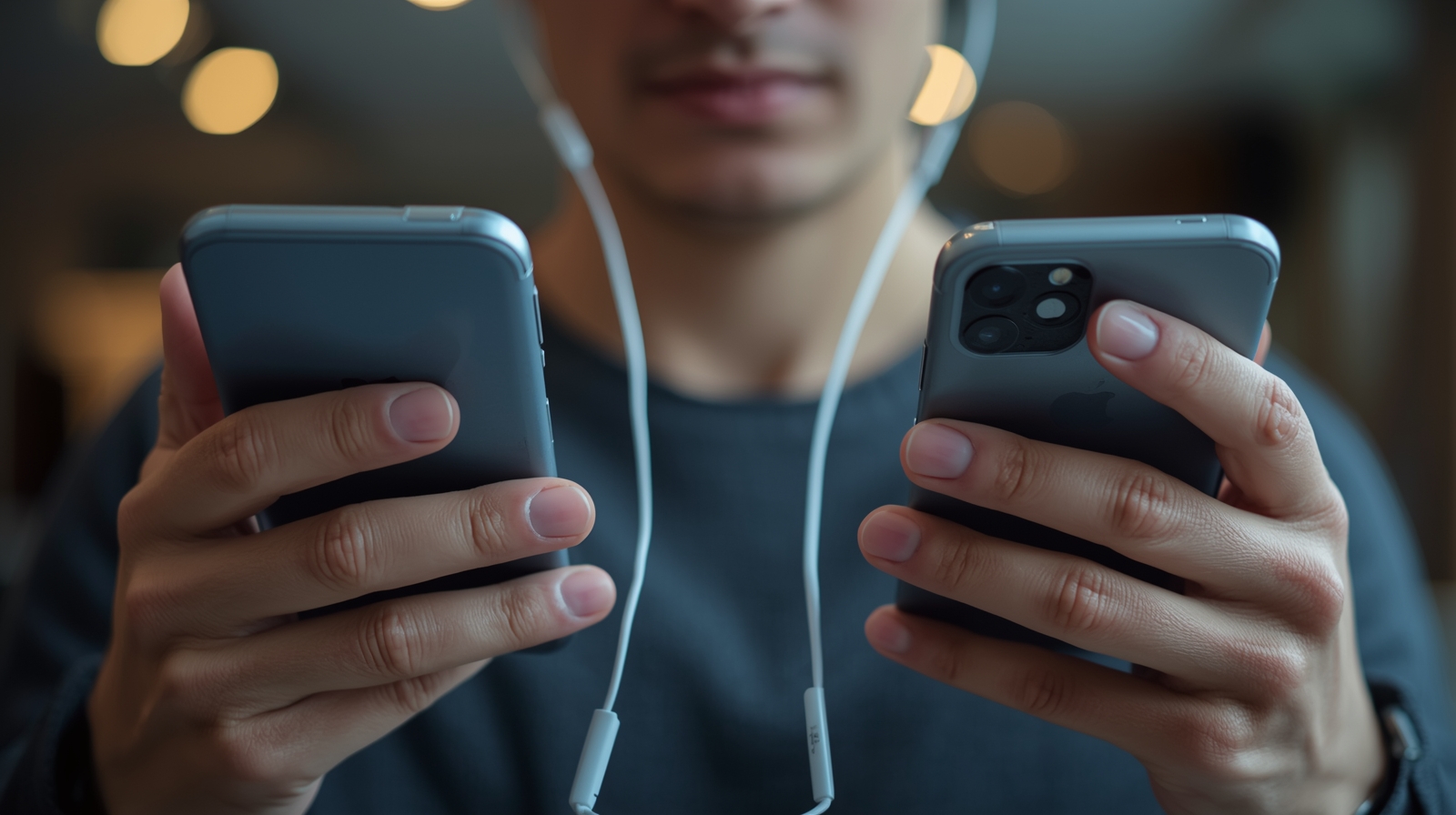
To ascertain if your issue resides with the earphones or your phone before attempting any fixes.
One Side Earphone Not Working Fix – Quick Diagnosis
- Insert your earphones into another gadget.
- If the second gadget functions properly with the earphones, then your phone is at fault.
- If the second device also demonstrates an issue on one side, then you must do troubleshooting upon those earphones
One Side Earphone Not Working Fix – Clean Earphone Jack or Earbud Grill
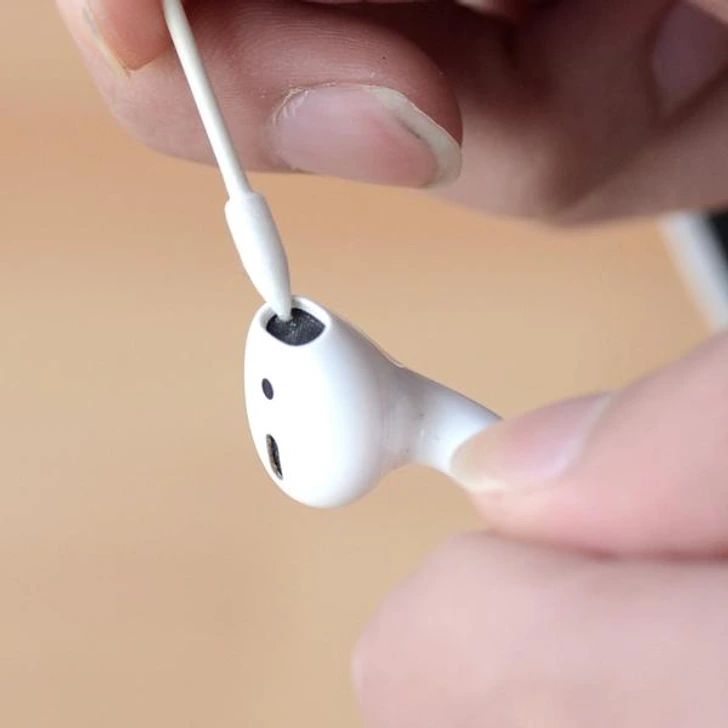
Dust and lint are common causes of one side earphone not working. Cleaning can solve the problem quickly.
One Side Earphone Not Working Fix – Cleaning Steps
- Use a toothpick or soft needle to remove dust.
- Wipe with a small alcohol pad.
- Test the earphones after cleaning.
H2: One Side Earphone Not Working Fix – Check Wired Earphone Cable
One Side Earphone Not Working Fix – Cable Test
- Play music and gently bend the wire near the plug.
- If sound comes and goes, wire is damaged.
- Replacement is recommended.
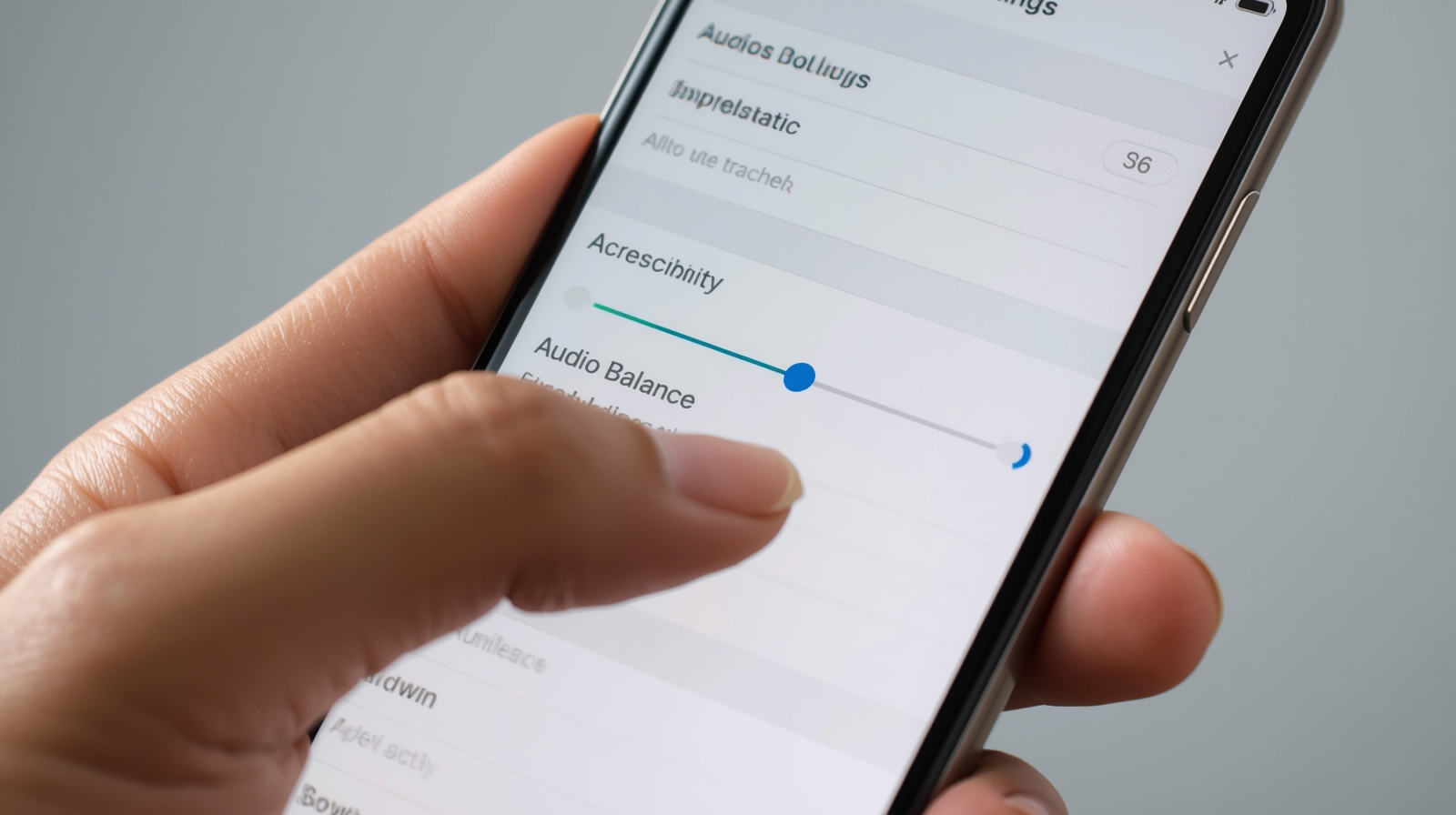
One Side Earphone Not Working Fix – Adjust Audio Balance Settings
One Side Earphone Not Working Fix – Android & iPhone Settings
- Android: Settings → Accessibility → Audio/Visual → Balance (center)
- iPhone: Settings → Accessibility → Audio/Visual → Balance (center
One Side Earphone Not Working Fix – Re-Pair Bluetooth Earbuds
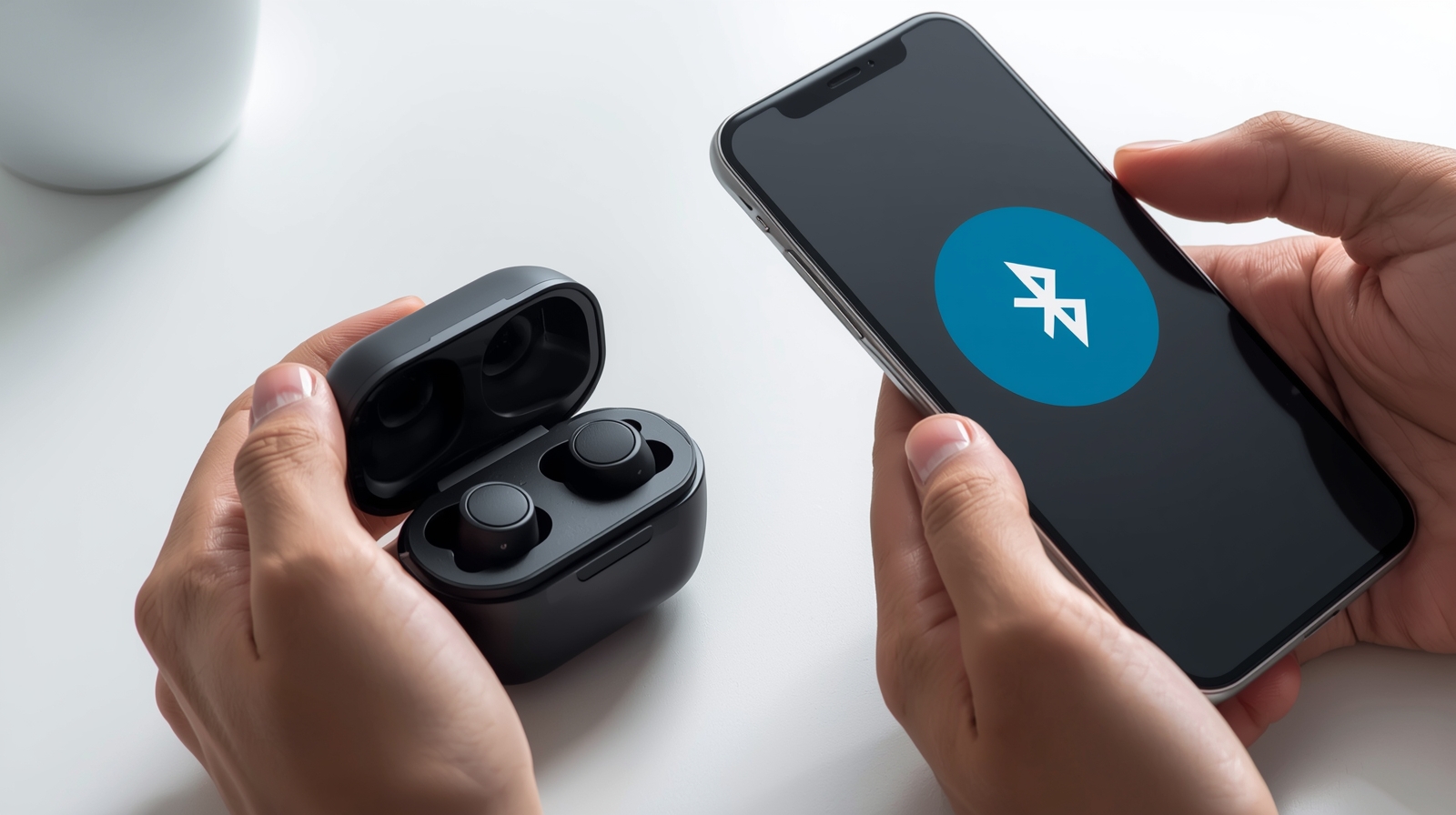
One Side Earphone Not Working Fix – Steps
- Turn off Bluetooth.
- Place earbuds in the charging case for 10 seconds.
- Reconnect via Bluetooth
Getting More Info:
How To Fix Earphones When Only One Side Is Working
Top Xiaomi Type C Earphones for Gaming with Clear Footstep Sound
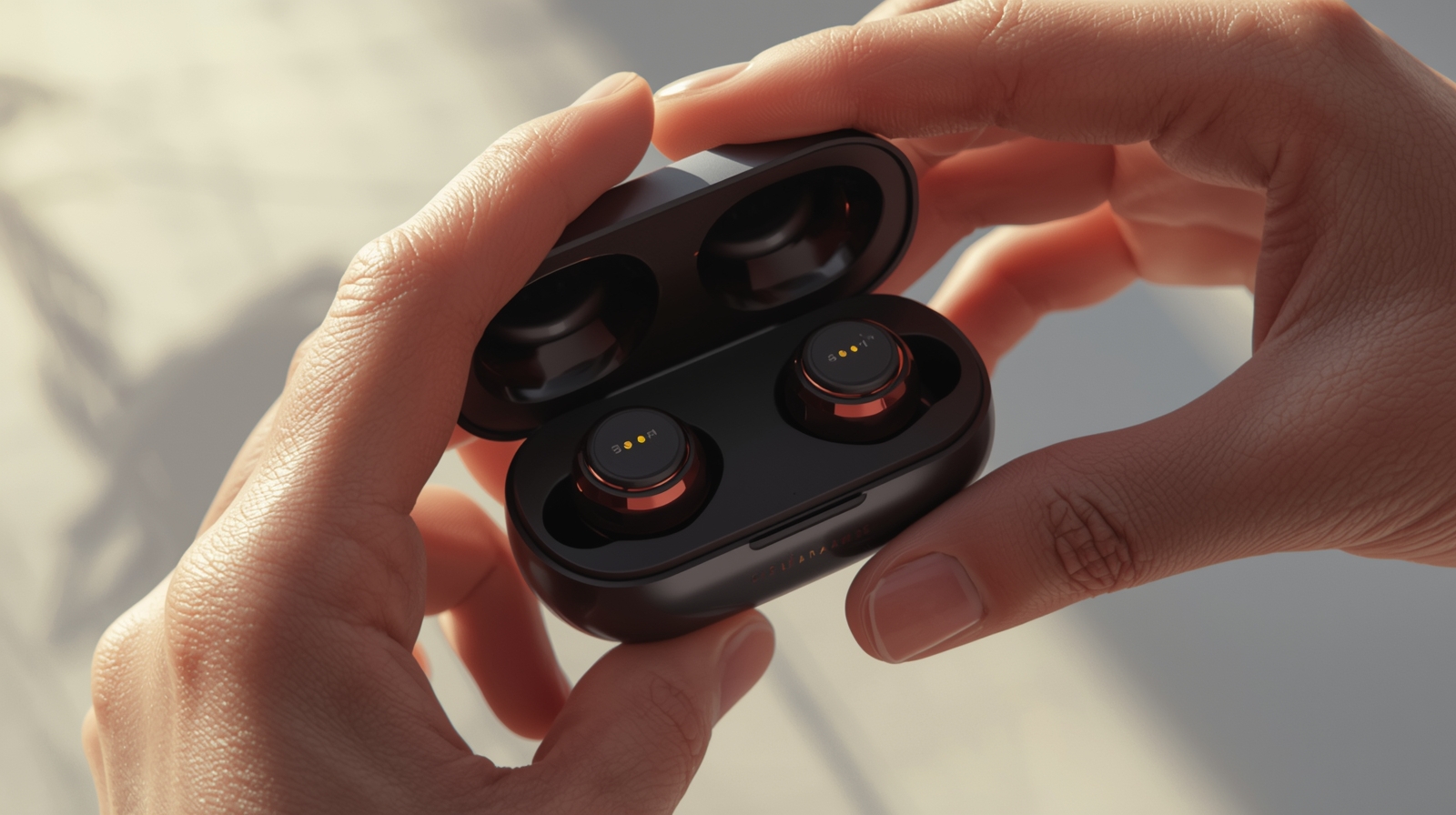
One Side Earphone Not Working Fix – Check Earbud Battery
One Side Earphone Not Working Fix – Battery Check
- Place earbuds properly in the charging case.
- Ensure LED indicators show charging.
- Fully charge before testing.
One Side Earphone Not Working Fix – Disable Mono Audio
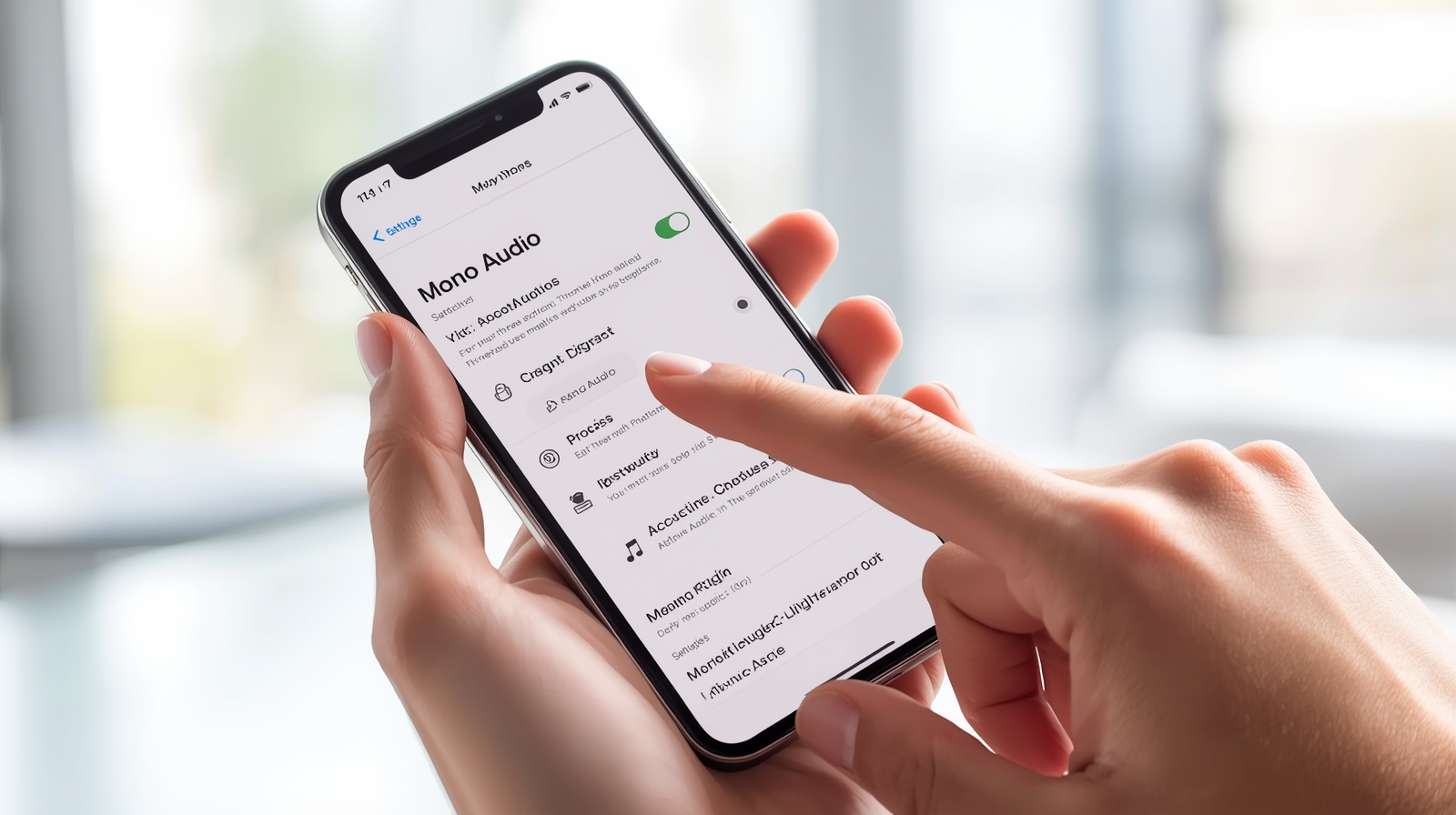
One Side Earphone Not Working Fix – How to Disable
- Settings → Accessibility → Audio/Visual
- Turn off Mono Audio
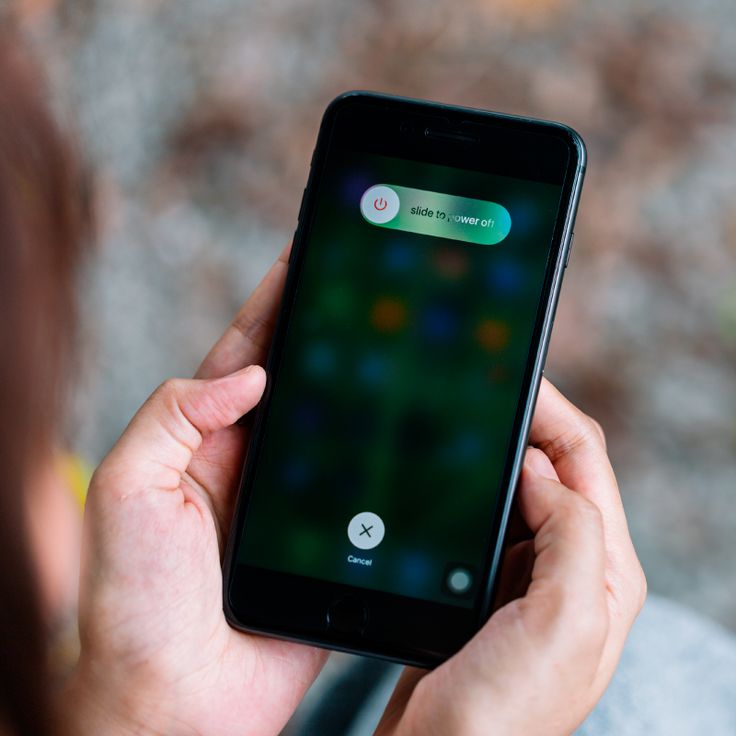
One Side Earphone Not Working Fix – Restart Apps or Device
One Side Earphone Not Working Fix – Restart Steps
- Close the app using audio.
- Restart your phone.
- Update system if needed.
One Side Earphone Not Working Fix – Factory Reset Wireless Earbuds
- Place earbuds in charging case
- Press reset button 10–15 seconds until LED blinks
- Reconnect
One Side Earphone Not Working Fix – When to Replace Earphones
- Wire or speaker damaged
- Water damage
- Repair attempts fail
One Side Earphone Not Working Fix – Preventive Tips
- Keep earphones in a case
- Clean regularly
- Avoid cheap chargers
- Charge both earbuds fully
FAQs:
How to fix earphones if only one side is working?
Clean the earbud/jack, check audio balance, test on another device, and for wireless earbuds, recharge or re-pair them.
Why is one side of my headphones not working?
Usually it’s caused by dust, a damaged wire, incorrect audio balance, or battery/pairing issues in wireless earbuds.
How to fix one-sided audio earphones?
Try cleaning, adjusting settings, restarting your device, or re-pairing wireless earbuds to restore sound.
Why is my 1 earbud not working?
It may be a battery issue, connection problem, or a blocked earbud grill. Fully charge and clean to fix it.
Conclusion:
Most cases of one side earphone not working can be solved easily at home without buying a new pair. Simple steps like cleaning the earbud or jack, checking audio balance, re-pairing wireless earbuds, or fully charging your earbuds usually restore sound on both sides.
Always handle your earphones gently, keep them clean, and check settings regularly to prevent this issue in the future. By following these steps, you can enjoy full audio from both earbuds and extend the life of your earphones.