Today I will tell you how you can fix the problem of sound delay in earbuds. I am going to tell you 8 methods that we see in common earbuds. By using these 8 methods, you can fix the daily sound of your earbuds at home.
For example, if your earbuds have a speaker issue or a connectivity issue or a Bluetooth problem or its firmware is an old version, how to update it? In this way, many things, many problems that we see in earbuds are fixed. In order to fix them, I have brought 8 common issues below, by using which you can fix the problem of sound delay in your earbuds at home. And one of these 8 methods is one problem that you will see in your earbuds, by using which you can easily fix it at home. You can easily fix the sound delay of your old earbuds or new earbuds.
Okay, so in this article, I’m going to talk about 8 common problems that usually cause sound delay in earbuds. These are the things we see in daily use — like interference, old firmware, Bluetooth issues, power saving settings, and some app problems.
Each point below is about one problem only. I’ll explain why it happens and how you can fix it at home. If your earbuds are giving you sound delay — old or new — one of these 8 points will match your problem and help you fix it easily.
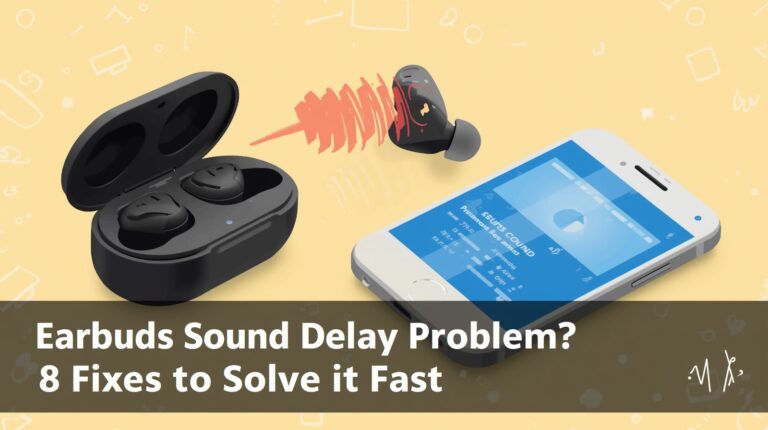
Earbuds Sound Delay Problem? 8 Quick Fixes
If your earbuds have sound delay, don’t panic — most issues are simple. Here are 8 common fixes:
- Interference & Signal: Move away from Wi-Fi or crowded Bluetooth areas.
- Outdated Firmware: Update your earbuds’ software or app.
- Low Latency Mode: Turn on game or low latency mode for videos/games.
- Old Bluetooth Version: Some delay is normal with older tech.
- Power Saving Settings: Turn off battery saver to boost Bluetooth.
- Clear Bluetooth Cache: Refresh connection by clearing cache.
- Distance from Device: Keep phone close to earbuds.
- App Issues: Update or clear app cache causing delay.
Try these one by one — your earbuds’ sound delay can usually be fixed at home.
Table of Contents
- Interference & Signal Issues
- Outdated Firmware or Software
- Low Latency Mode Missing
- Old Bluetooth Version
- Power Saving Settings
- Clearing Bluetooth Cache
- Distance from Device
- App / System Specific Issue
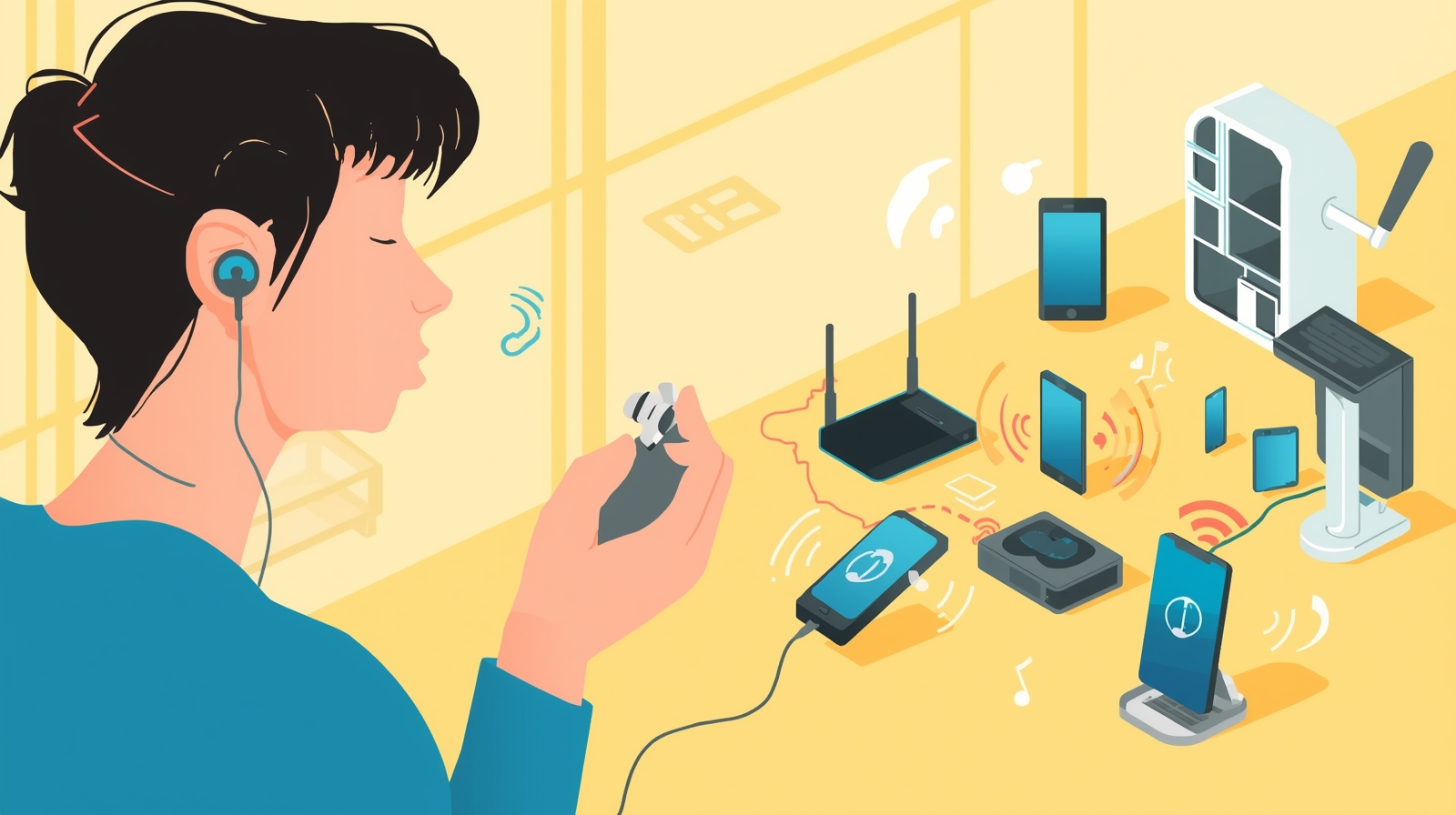
1. Interference & Signal Issues Leading to Earbuds Sound Delay Problem
This is very common.
Most people think earbuds are damaged, but actually they are not.
The problem comes from signal disturbance.
If you are sitting near Wi-Fi routers, many Bluetooth devices, or even in a busy place, the signal becomes weak. Because of this, sound comes late in earbuds. I have faced this many times myself. When I change the place, the delay reduces.
So first thing, don’t panic. Just move to an open area and try again.
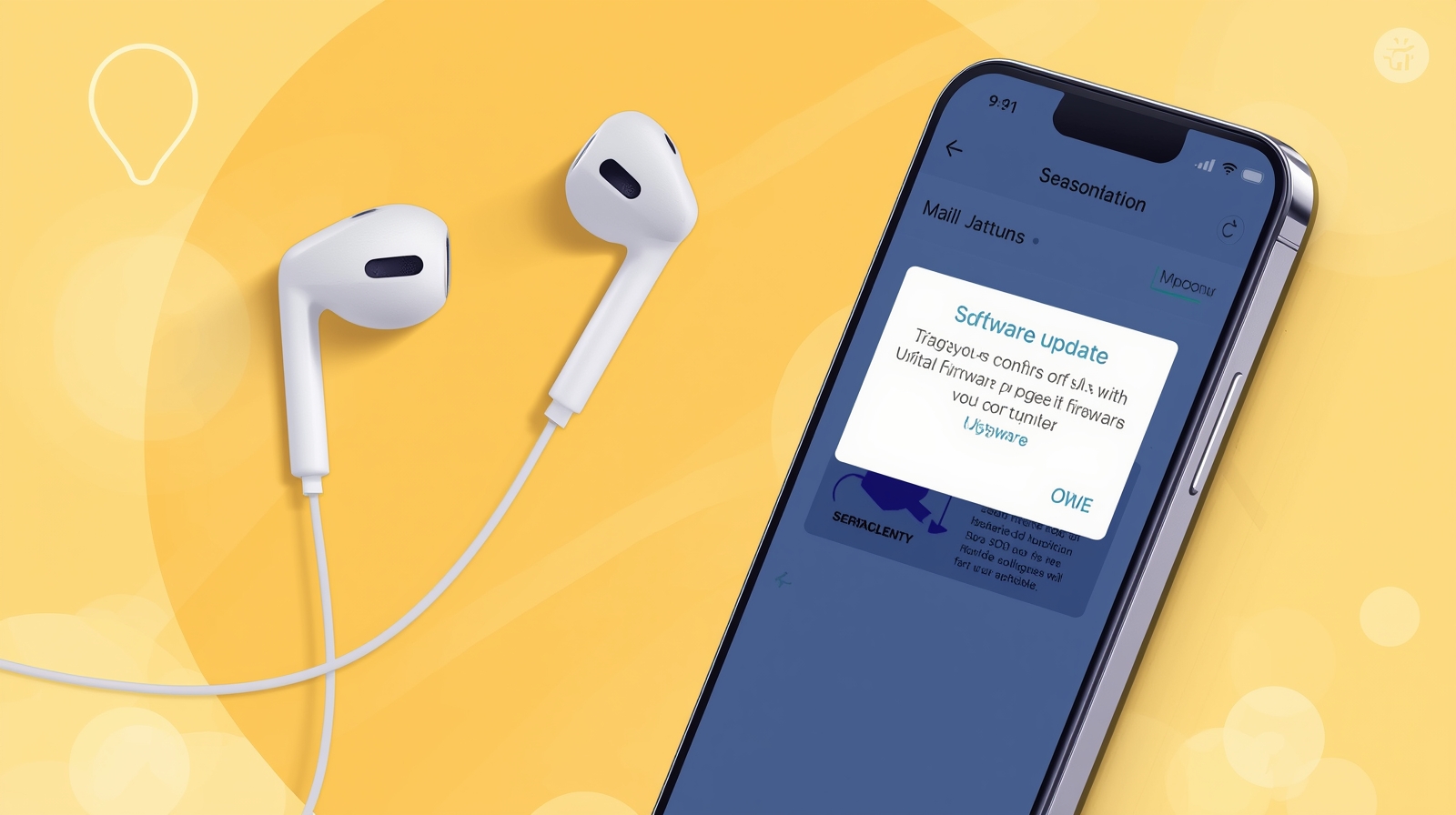
2. Outdated Firmware or Software Triggering Earbuds Sound Delay Problem
Many users don’t know this thing.
Earbuds also need updates, same like phones.
When firmware is old, it creates bugs. Sound delay is one of those bugs. If your earbuds have an app, open it one time and check update option. Update process is simple. After update, sound delay problem is reduced in many earbuds.
This works for old earbuds and also new ones.
3. Low Latency Mode Missing in Earbuds Sound Delay Problem
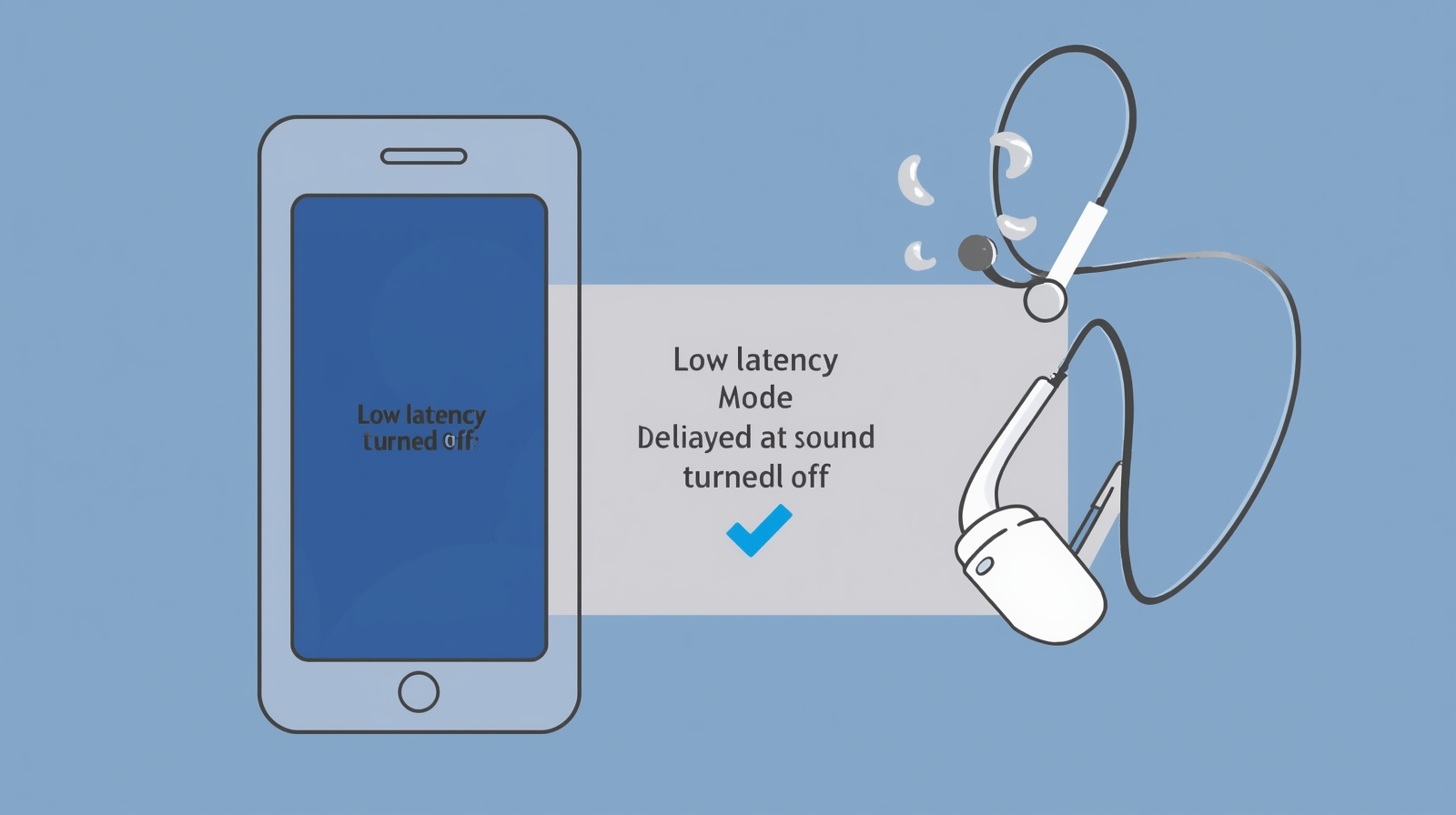
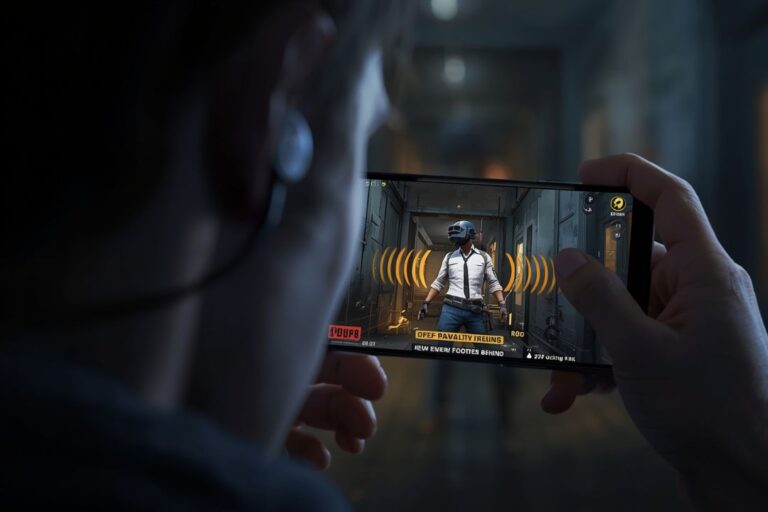
If you are watching videos or doing gaming and sound is not matching, this is the reason.
Low latency mode is turned off in many earbuds by default. People don’t even know it exists. When you turn on game mode or low latency mode, sound delay becomes very low.
I always suggest, before doing anything else, check this setting first.
4. Old Bluetooth Version and Earbuds Sound Delay Problem
This problem is not always fixable.
Old Bluetooth version creates delay.
If your phone or earbuds are using old Bluetooth technology, sound delay will come. No setting can fully remove it. New Bluetooth versions are faster and better.
So if delay is small, this could be the reason and it is normal.
5. Power Saving Settings Affecting Earbuds Sound Delay Problem
Sometimes the problem is phone, not earbuds.
When power saving mode is on, phone reduces performance. Bluetooth also becomes slow. Because of this, sound comes late in earbuds.
Many people forget that battery saver is enabled. Turn it off once and test your earbuds again.
6. Clearing Bluetooth Cache to Fix Earbuds Sound Delay Problem
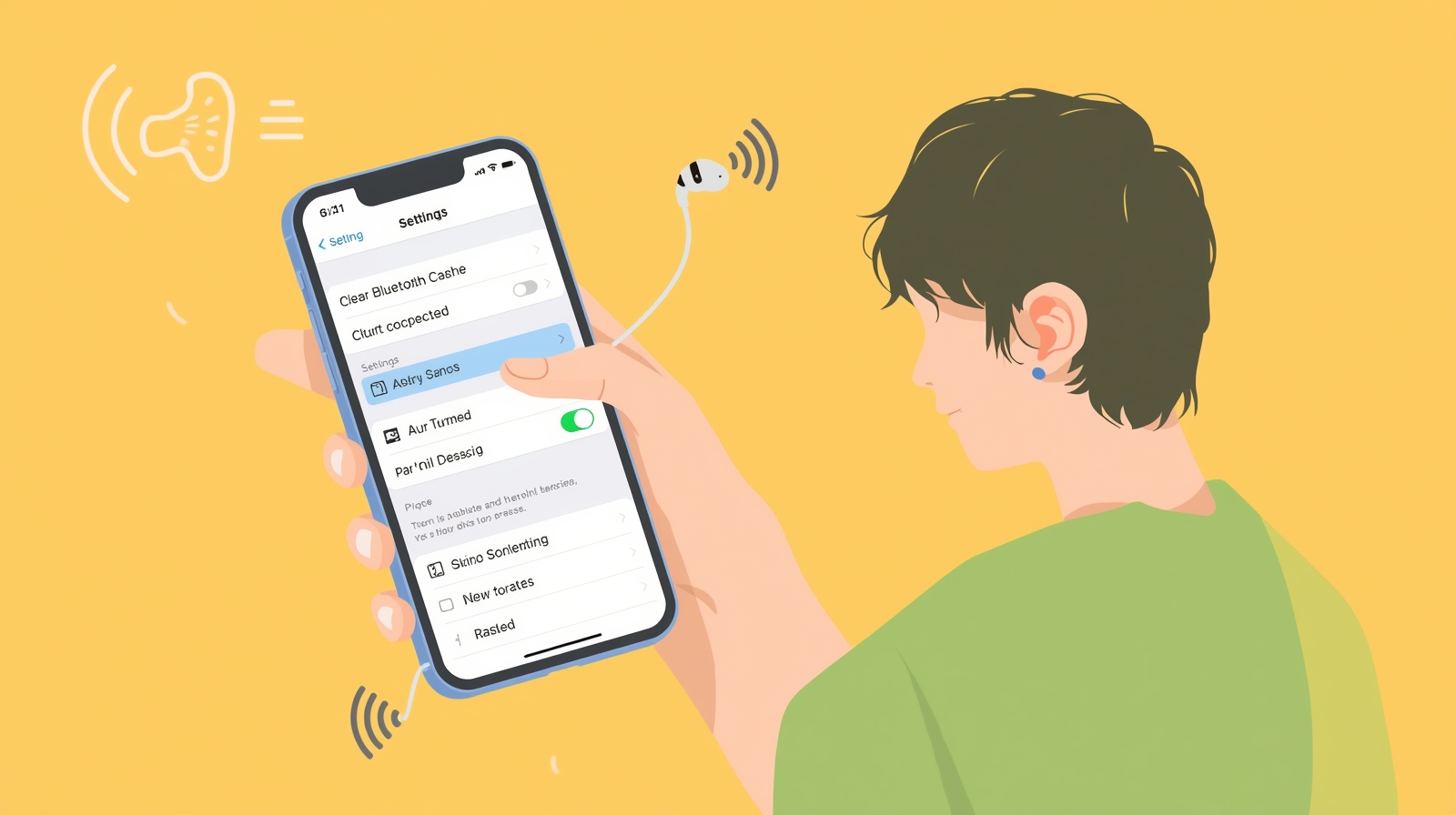
This is a simple but very effective method.
Bluetooth cache stores old data. After some time, this data creates problems. Clearing cache refreshes the Bluetooth connection.
After clearing cache, reconnect earbuds and check sound delay. In many cases, this method works without any extra steps.
7. Distance from Device Causing Earbuds Sound Delay Problem
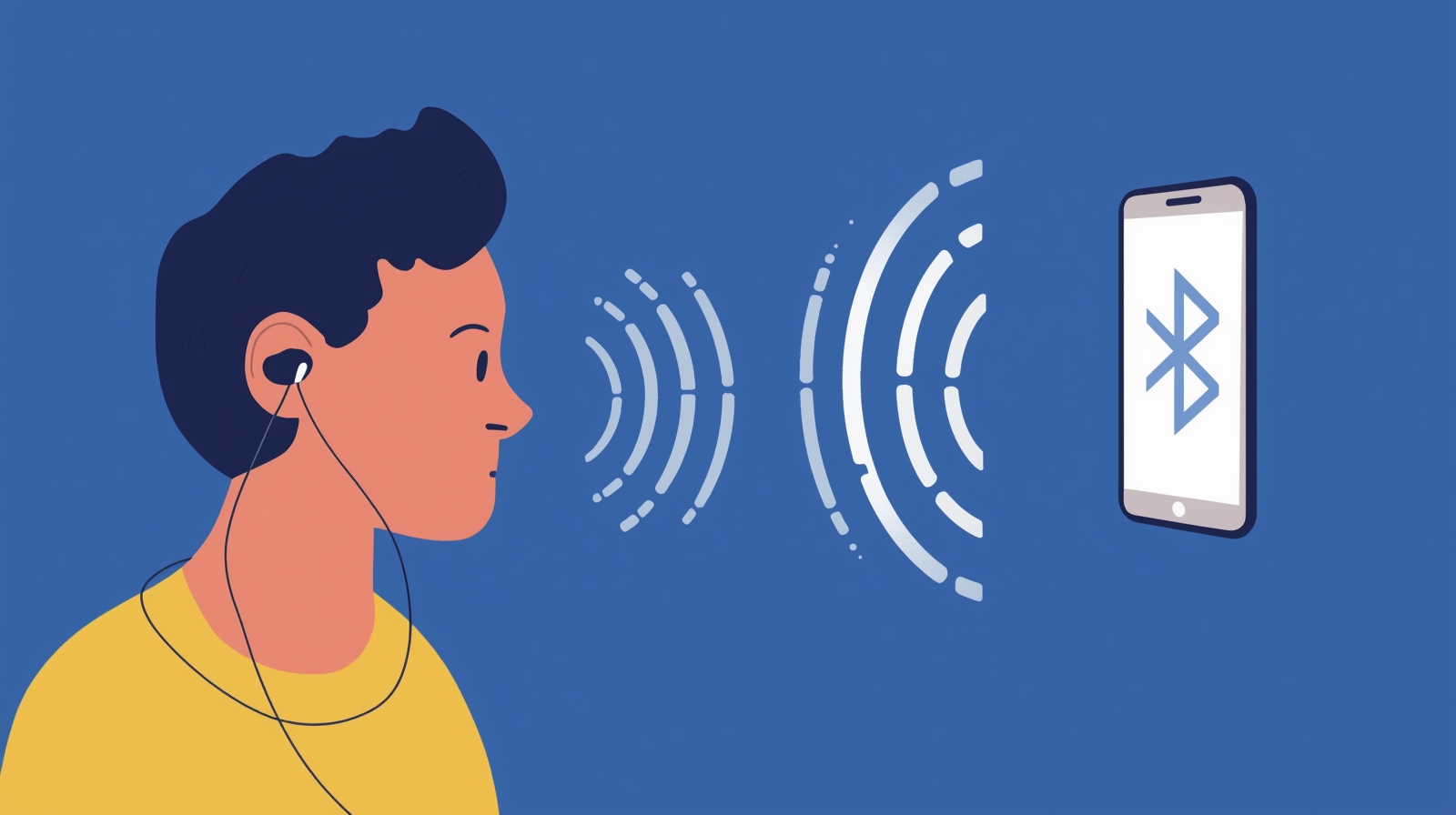
Distance also creates delay.
If phone is far, or you put it in another room, Bluetooth signal becomes weak. Weak signal means delay.
Keep phone near you when using earbuds, especially during videos or gaming.
8. App / System Specific Issues with Earbuds Sound Delay Problem
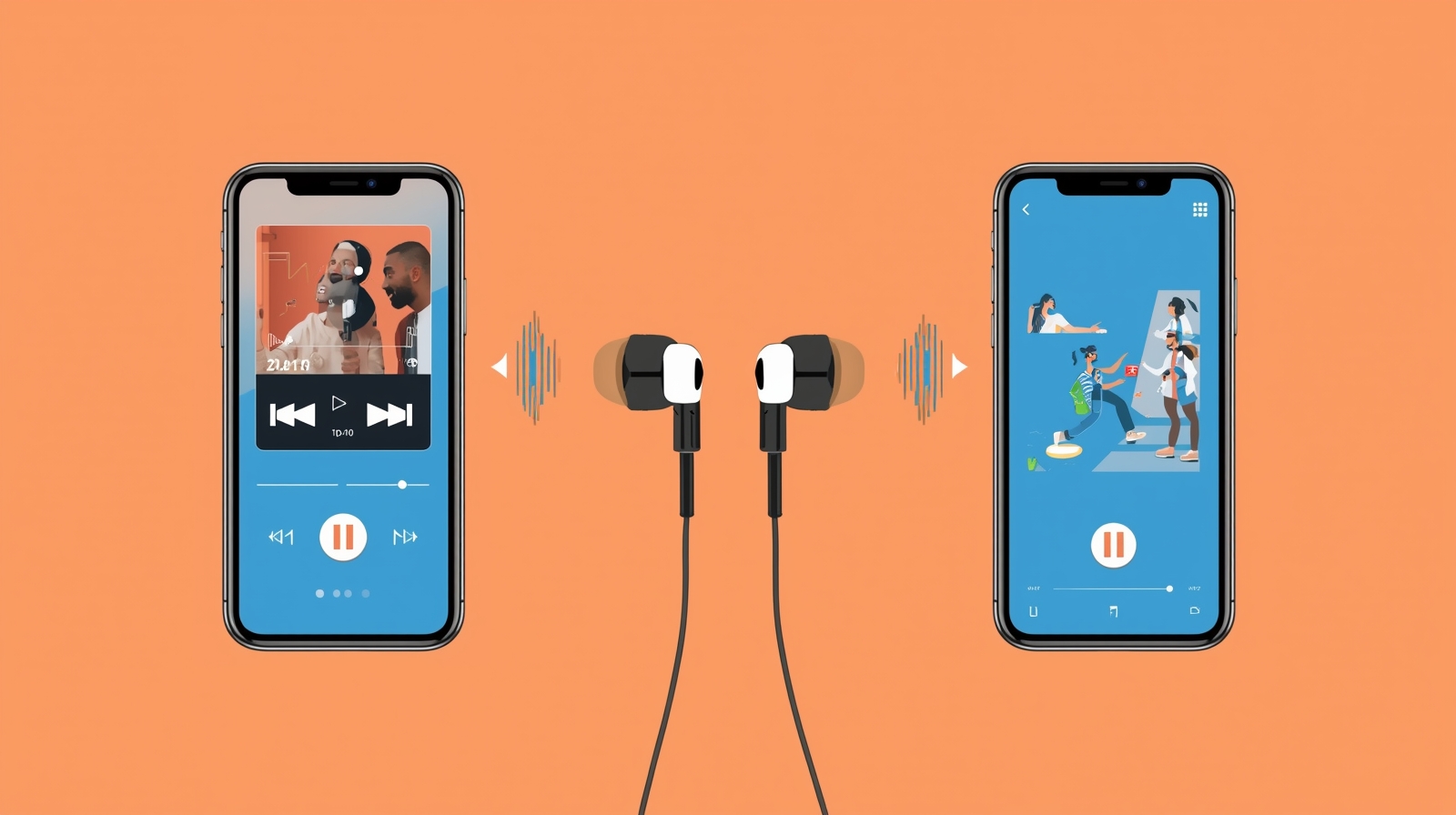
Sometimes only one app creates this issue.
For example, YouTube works fine but game sound is late. In this case, earbuds are not faulty. The app has problem.
Update the app, clear app cache, or try another app. This usually fixes the delay.
One Side Earphone Not Working Fix (Complete Step-by-Step Guide)
FAQs:
1. How to fix earbuds delay?
If your earbuds are giving delayed sound, don’t worry. Most of the time, it’s just small issues. Move away from Wi-Fi or other Bluetooth devices, check for updates in your earbuds app, turn on low latency mode, or keep your phone close. This usually fixes the problem at home.
2. How do I fix sound delay?
Sound delay happens in most earbuds, old or new. Try clearing Bluetooth cache, turning off battery saver, updating your apps, or turning on low latency/game mode. One of these ways will fix it easily.
3. Why do Bluetooth earbuds have a delay?
Delay in Bluetooth earbuds is very common. It can happen because of interference, old firmware, old Bluetooth version, power saving settings, distance from the phone, or even a specific app causing the problem.
4. How to fix sound problems in earbuds?
Most sound problems can be fixed at home. Make sure your earbuds are updated, turn on low latency mode, clear Bluetooth cache, keep your phone nearby, and check if any app is causing the delay. This usually solves it.
Conclusion
So, these were the 8 common reasons earbuds have sound delay and how you can fix them at home.
Most of the time, the problem isn’t your earbuds themselves. It’s small settings, old firmware, or Bluetooth issues. With a little patience and by trying these fixes one by one, you can easily reduce or fix sound delay in both old and new earbuds.
If one fix doesn’t work, try another. Out of these 8 methods, one will definitely match your problem and help you fix it.
At the end, just stay calm and go step by step — most sound delay problems are actually simple to solve.